Safety & Navigation
How to Use Your Phone for Hiking Navigation
Learn how to use hiking navigation apps, download offline maps, save battery in the backcountry, and why your phone shouldn't replace a paper map.
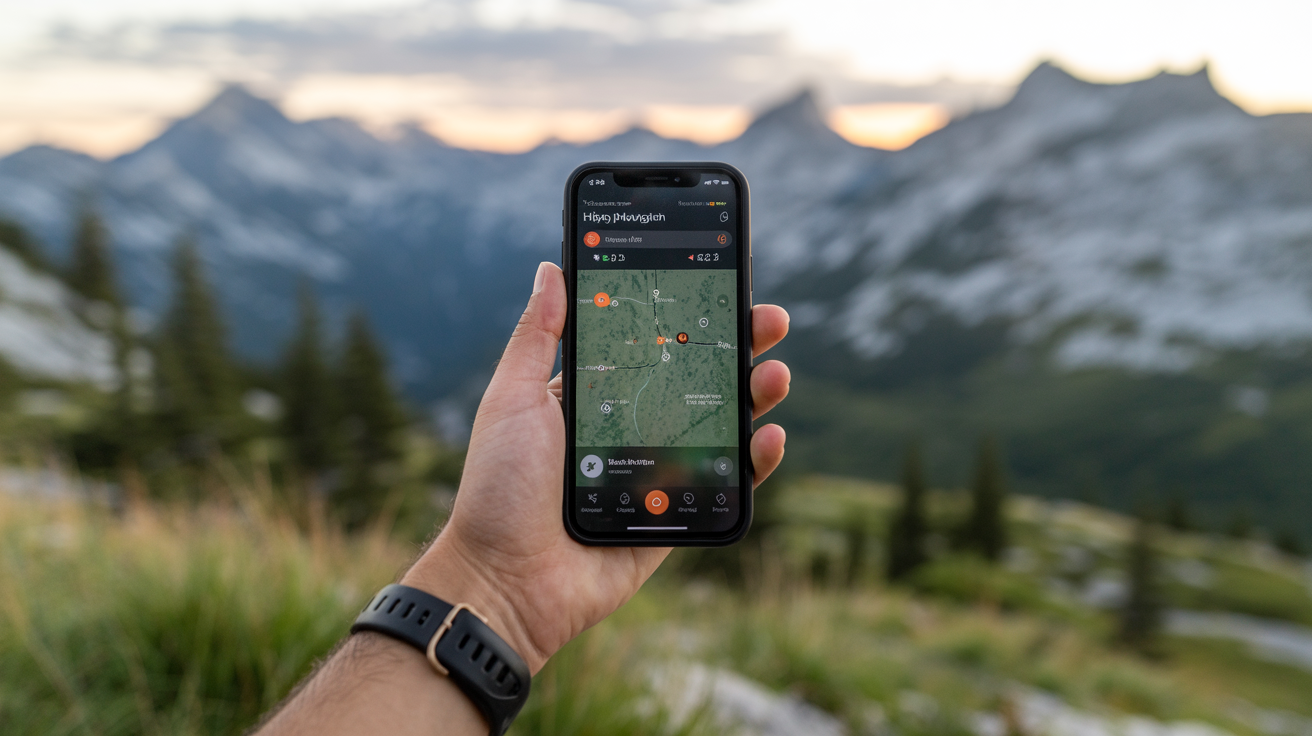
Your phone is a capable navigation tool on the trail, but only if you set it up before you leave the trailhead. Most beginners assume it works like Google Maps in the car. It doesn't, and understanding the difference keeps you from getting turned around.
Here's how to use it well, what it can't do, and what to carry as a backup.
How Phone GPS Actually Works on the Trail
Your phone's GPS chip talks to satellites, not cell towers. That means it can pinpoint your location even with zero bars of service. The catch: the map tiles it draws on screen require a data connection to load unless you've saved them ahead of time.
So the GPS signal itself is free of cell service. The map is not, unless it's already on your device.
This is the single most important thing beginners get wrong. They open a mapping app in a dead zone, watch the screen stay blank or load a blurry satellite image, and assume GPS has failed. The GPS is fine. The map just isn't there.
What "Offline Maps" Actually Means
Offline maps are map tiles, the visual layer showing trails, elevation, roads, and landmarks, stored directly on your phone's internal storage or SD card. Once downloaded over Wi-Fi at home, they load instantly with no connection required.
Most dedicated hiking navigation apps support offline downloads. The area you download, and how much detail (zoom level) you include, determines the file size. A weekend hiking area might be 100–400 MB. Downloading the full state or region takes more space but gives flexibility if your plans change.
Downloading Offline Maps Before You Go
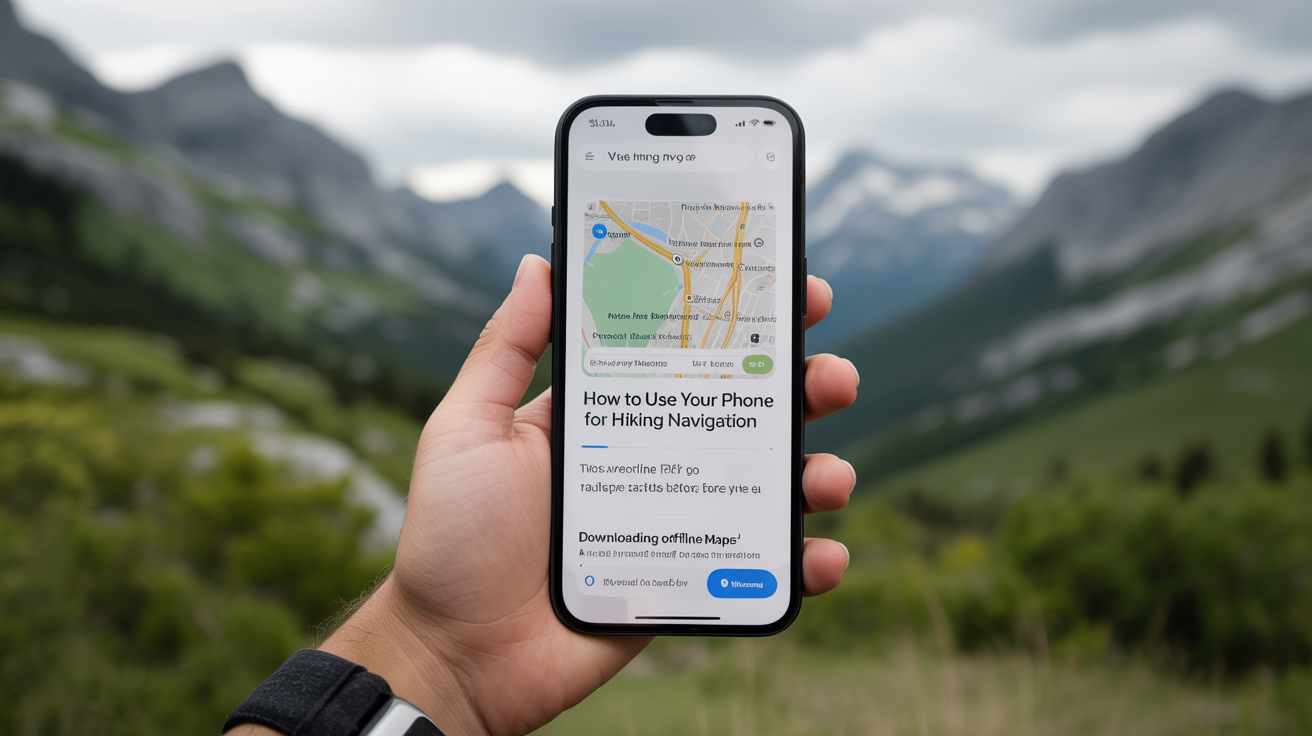
This step happens at home, over Wi-Fi, before your trip. Do it the night before at the latest.
General steps across most hiking apps:
- Open your navigation app and search for your hiking area or trailhead.
- Find the offline map or "download" option (usually in settings or a map overlay menu).
- Draw a bounding box around the area you plan to hike, include a buffer beyond your route in case you need to detour.
- Select the detail level and confirm the download.
- Once finished, put your phone in airplane mode and verify the map still loads correctly.
That last step matters. Testing offline behavior before the trip catches problems when you still have Wi-Fi to fix them.
What to Look for in a Hiking Navigation App
There are several categories of apps, each with different strengths:
| App Type | Best For | Offline Map Support |
|---|---|---|
| Dedicated trail apps | Curated trail data, community-verified routes | Yes, usually download by region or trail |
| Topo map apps | Backcountry navigation, ridge and elevation detail | Yes, download USGS or custom layers |
| General outdoor GPS apps | Flexible route planning, waypoints, GPX import | Yes, tiered by subscription |
| Paper-map scanning apps | Digitizing a paper map you already own | Varies |
Brand-neutral advice: look for apps that let you download maps for offline use, show topographic contour lines, and let you import GPX route files. Free tiers usually cover casual day hikes. Longer backcountry trips often need a paid subscription for full offline downloads.
Saving Battery When You're Out There
A phone navigating actively can drain a full charge in three to five hours, less in cold weather. Plan for this.
Battery-Saving Checklist
- Download maps over Wi-Fi at home (avoids constant data fetching in-app)
- Enable airplane mode once you leave cell service, GPS still works, but you stop background data drain
- Turn screen brightness down; the display is the biggest battery draw
- Lock the screen between checks instead of keeping the map active
- Close background apps before you start
- Carry a charged power bank (10,000 mAh handles two full phone charges; 5,000 mAh is pocketable for day hikes)
- In cold weather, keep your phone in an inner jacket pocket, lithium batteries lose charge fast below freezing
Cold is a bigger factor than most beginners expect. A phone at 50% battery in your pack can read 10% or shut off entirely when it cools down to 30°F. Warming it in your hand for a minute usually recovers the charge. Keeping it body-warm prevents the problem.
Airplane Mode and GPS: The Common Question
Yes, airplane mode disables cellular and Wi-Fi radios. The GPS chip is separate and stays on. Your location updates, your track records, your downloaded map loads, all of it still works. Airplane mode is the single easiest way to stretch battery life on a full-day hike.
Why Your Phone Isn't a Complete Backup
Your phone is a powerful primary navigation tool. It is not a reliable sole navigation tool.
Batteries die. Screens crack. Phones fall into streams. Cold kills charge faster than you expect. And in a genuine emergency, you may not have the luxury of a working power bank.
This is why learning to navigate with a map and compass remains a foundational skill, even for people who hike primarily with apps. A printed topo map and a baseplate compass cost under $30, weigh almost nothing, and work in any weather without a battery.
The practical approach: use your phone as your main navigation tool on trail. Download the route and surrounding area before you go. Carry a paper map of the general area as a backup. Know enough compass basics to orient yourself if the phone fails.
If you do get turned around, a phone with a downloaded map is a big advantage, but knowing what to do if you get lost while hiking doesn't depend on having one.
Situations Where Phones Struggle
- Very cold temperatures: Below 20°F, battery behavior becomes unpredictable even with a power bank.
- Water damage: Most phones are splash-resistant, not waterproof. Rain over several hours, a creek crossing, or a fall into standing water can end the device.
- Screen glare and wet hands: Reading a map app on a bright day with rain-soaked fingers is harder than it sounds. Paper doesn't have a glare problem.
- App failure in a dead zone: If the app crashes or corrupts its offline data with no connection, there's no fixing it remotely.
None of this means avoid using your phone for navigation. It means treat it as a primary tool that needs a backup.
Setting Up a Route Before You Leave
The most valuable thing you can do isn't downloading maps, it's loading your specific route.
Most hiking apps let you search for a trail by name, or import a GPX file from a trail database. Load the route before the hike so it appears as a line on your map. Then, on trail, you're not navigating from a blank screen, you can see where you are relative to the planned path, how far to the next junction, and where the trail turns.
Pre-loaded routes also survive airplane mode. The route geometry is stored locally even if you didn't explicitly download it as part of a map tile.
Check the weather before you finalize your plans. Reading weather before a trip helps you decide whether conditions are suitable and whether the terrain you've planned for is safe.
Frequently Asked Questions
Does phone GPS work without cell service?
Yes. The GPS radio in your phone communicates with satellites, which is separate from cell towers. You can get accurate location coordinates with zero bars of service. What requires a connection is loading map tiles, solve that by downloading maps offline before you leave.
How much phone storage do I need for offline maps?
A typical day-hike area download ranges from 50 MB to 300 MB depending on map detail and geographic size. A full region (a national park, for example) can reach 1–2 GB. Most modern phones have enough storage, but check before your trip. If storage is tight, download only the specific area you need rather than a full state.
Is airplane mode safe to use while hiking?
Yes. Airplane mode disables cellular and Wi-Fi, but not GPS. Your location tracking, offline maps, and route guidance all continue working. It's one of the most effective ways to conserve battery. If you need to make an emergency call, you can disable airplane mode, place the call, and re-enable it.
What happens if my phone dies on the trail?
If you have a power bank, charge it. If not, conserve what's left for emergencies: close the navigation app, enable low-power mode, and rely on your paper map and compass for navigation. This is exactly why carrying a physical backup matters even when your phone is working fine.
Should I buy a dedicated GPS device instead of using my phone?
Dedicated GPS devices have advantages for serious backcountry hiking: longer battery life (often days on AA batteries), better durability, and screens readable in direct sunlight. For most beginners doing day hikes and established trails, a well-configured phone with offline maps is sufficient. If you're planning multi-day backcountry trips regularly, a dedicated unit is worth considering as a complement to your phone.